.png)
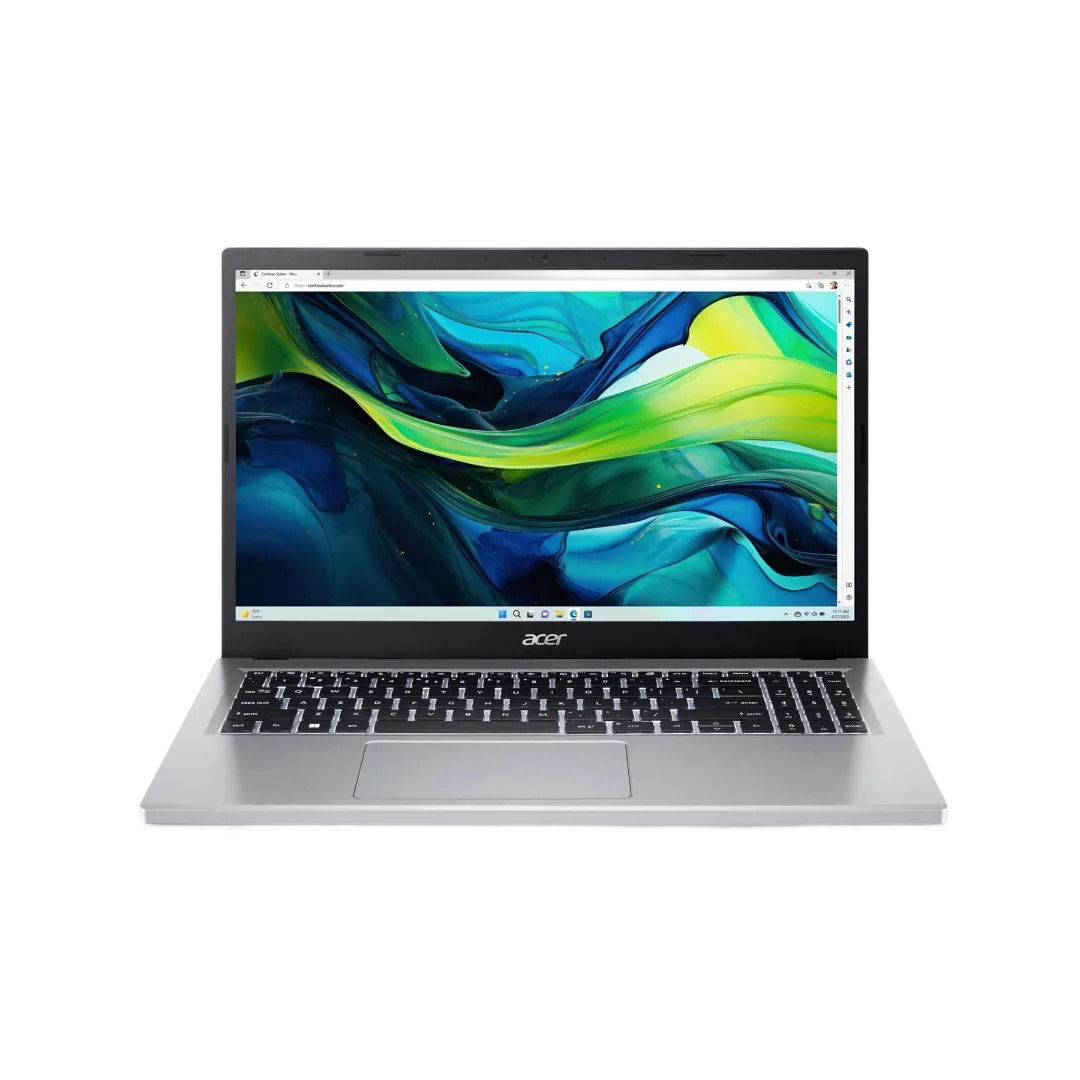
Quick guide: For most students in Nepal, a laptop with a Ryzen 5 or Core i5, 16GB RAM, and a 512GB SSD covers everything from notes to coding to light creative work.
What to Prioritise as a Student
Student needs vary dramatically by course. An engineering student running MATLAB and AutoCAD has different requirements from a commerce student using spreadsheets and Google Docs. Before buying, honestly assess your workload. The single biggest mistake students make is over-spending on gaming specs they'll rarely use — or under-spending and regretting it six months in.
The Minimum Specs in 2024
Top Picks Available in Nepal
ASUS VivoBook 15 (Ryzen 5 7520U) Best Value
Thin, light, great battery life. Handles coding, browsing, Office perfectly. IPS FHD display is easy on the eyes for long study sessions.
Lenovo IdeaPad Slim 5 (Core i5-13420H)
Solid Intel option with good multitasking headroom. MIL-SPEC durability means it survives being dropped in a bag daily.
HP Pavilion 15 (Ryzen 5 5500U + Vega 7)
Affordable entry point with integrated graphics sufficient for CAD, Photoshop, and light video work. Upgradeable RAM.
Acer Swift Go 14 (Ryzen 5 7530U) Premium Pick
Premium build quality, stunning OLED display option, exceptional battery. Worth the stretch if budget allows.
By Course — What You Actually Need
Engineering / Computer Science
Prioritise RAM (16GB is minimum, 32GB if budget allows), processor speed for compilation, and SSD speed. You'll be running VMs, IDEs, and simulators. An Nvidia MX450 or Ryzen integrated graphics is fine — you don't need a gaming GPU unless you're doing ML work locally.
Business / Commerce
Battery life and portability matter most. You're running Excel, PowerPoint, and Chrome all day. Any modern Ryzen 5 or i5 with 8GB RAM handles this fine — though 16GB future-proofs you. Prioritise display quality and keyboard comfort.
Design / Media / Architecture
A colour-accurate IPS or OLED display is non-negotiable. Look for 100% sRGB minimum. You'll want at least a discrete GPU — the MX570 or GTX 1650 class — for Premiere, Illustrator, and Revit. Plan a budget accordingly for a well-rounded machine.
Don't forget: A student discount is available on Microsoft Office through your college. You don't need to factor that into cost. Also, most colleges in Nepal have licensed MATLAB, AutoCAD — check before buying.
What to Avoid
- 8GB RAM in 2024 — fine for browsing, frustrating for actual coursework
- 32GB eMMC storage — too slow and too small, common in "budget" Chromebook-tier machines
- TN panels — washed out colours, terrible viewing angles
- Intel Celeron / Pentium — not worth the savings; Ryzen 3 is far better for the price
- No USB-A ports — frustrating when you need to use a flash drive daily
Final Verdict
The ASUS VivoBook 15 with Ryzen 5 7520U is our top recommendation for most students. It's light enough to carry daily, fast enough for demanding coursework, and won't leave you embarrassed in presentation week. If your budget stretches, the Acer Swift Go 14 is genuinely excellent hardware.
Buy from IT Supplier Pasal for genuine warranty and student-friendly after-sales service.